How to Choose a Shopify Fitment App: Three Things That Matter, In Order
Most fitment app comparisons start with a feature checklist. Wrong order. Start with how long it takes to go from install to a customer actually finding their part — then what you're paying for the features you'll use, then who answers when it breaks.
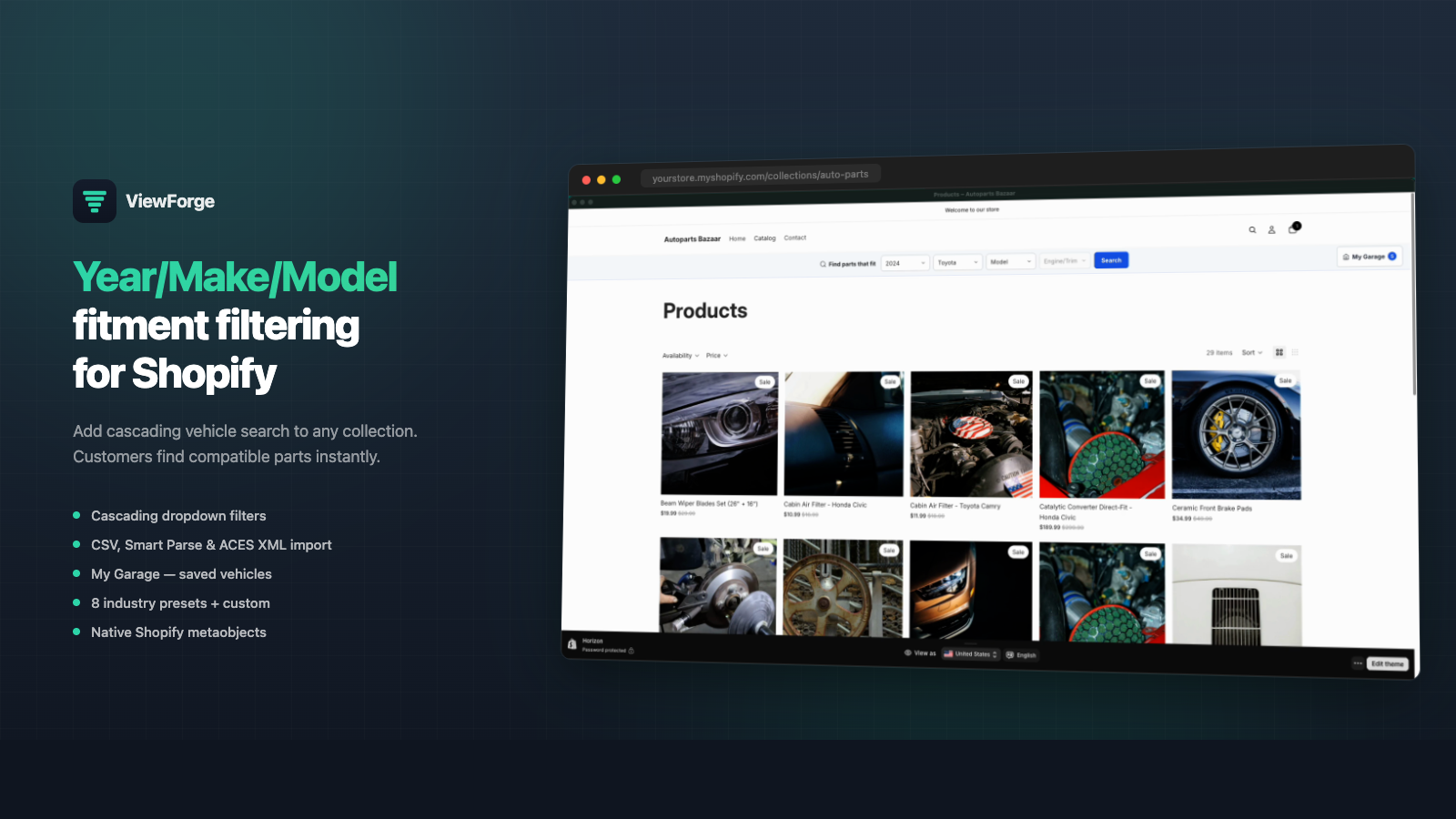
Fair warning: we make one of these. ViewForge is ours, so read this knowing that. Where another app is the better call we say so by name, because you’d find out in a demo anyway and it’s cheaper for everyone if you find out here.
Most comparisons of these apps are feature checklists. Every one has a dropdown. Every one has a badge. Every one has a garage. Line them up in a table and they look nearly identical, which is why the table doesn’t help you.
The things that actually differ, in the order they’ll cost you money:
- How long from install to a customer finding their part
- Whether you’re paying for features you’ll turn on
- Who answers when something’s wrong
1. How long until it actually works?
This is the whole question and almost nobody asks it first.
The monthly fee is the small number. The big one is the gap between installing the app and a customer picking their 2014 Kubota and getting the right filter. That gap gets measured in weeks, sometimes months, occasionally in “we gave up and uninstalled it.” A $19 app you never finish setting up is more expensive than a $250 one that’s live on Thursday.
Three things decide how long that gap is.
Where your fitment data sits right now
Be honest about this, because everything else follows from it. Four cases:
It’s in a spreadsheet. The common one. Somebody built it over years, it lives on a desktop, and it has three spellings of Chevrolet in it. You want an app whose CSV import tells you which rows failed and why. That’s an afternoon if the import is good, a week of evenings if it isn’t.
It’s in your product titles and descriptions. Also common, and people don’t count it. “Fits 2015–2019 Ford F-150.” You wrote that. It’s fitment data — messy, inconsistent, already done. An app that reads existing copy gets you working without typing anything new. An app that can’t means retyping what you already wrote once.
Your suppliers send ACES files. Then you have real structured data and you want an app that takes it. Bigger project than the vendor will imply — here’s what’s actually involved — but the right path when the files exist.
It’s in your head. Nothing written down; you just know the 4020 takes that one. Hardest case, and no app fixes it. You’re spending a week writing it down no matter which one you buy. Pick whatever’s cheapest to type into, prove it on your top 50 SKUs, expand from there.
The mismatch that hurts: buying an app built for supplier feeds when your data is a spreadsheet. You pay for a pipeline and hand-type into it anyway.
Whether the template fits what you sell
A lot of these apps are built for cars and light trucks, full stop. Year, Make, Model, Submodel, fixed in that order, the word “Vehicle” hardcoded into every screen.
Sell mowers, snowblowers, outboards, tractors, bicycles or printers and a car-shaped app makes you force your catalog into a car shape. A snowblower doesn’t have a model year the way a truck does. A boat wants Make → Engine → Horsepower. Push a small-engine catalog through Year/Make/Model and the setup week goes to fighting the schema instead of loading data.
Of the apps below: SPT, Spark, PartFinder and VFitz are automotive-only. Convermax covers auto and powersports. C: Year Make Model and ViewForge do multiple verticals.
Check this before you install. It’s the difference between two days and two weeks.
How it gets onto the storefront
Two mechanisms, and they behave very differently later.
Theme app extensions — app blocks and app embeds. The code lives in the app; you place a block in the theme editor. Change themes, place the block again, done.
Pasted-in code — a snippet into theme.liquid, or a script installed on the storefront. Works fine. Then you redesign next spring, the injection doesn’t follow, and nobody notices the fitment search is gone until a customer emails.
If the install instructions include “paste this into your theme,” you know which one you’ve got.
The part that eats the week: coverage
Here’s what nobody warns you about. The import runs, it reports success, and 12% of your catalog has no fitment attached. Those products are now invisible to the vehicle filter. A customer picks their truck and your best seller isn’t in the results.
You won’t find this by browsing the storefront. You find it with a coverage report — which products have fitment, which don’t. Ask whether the app has one. If it doesn’t, budget a day to build a spreadsheet that does the same job, because the alternative is launching blind.
The test for this whole section: ask the vendor, “if I send you my data today, when can a customer use this?” A good answer describes your data back to you and gives a range. A bad answer talks about features.
2. Value for the features you’ll actually turn on
Now price it. Not before — because the cheapest app you can’t finish setting up isn’t cheap.
Here’s what these apps listed publicly when we last recorded pricing for our comparison pages. Check current numbers on the App Store before you decide. They move, and we’d rather you catch it than trust a table.
| App | Listed price | What it’s for |
|---|---|---|
| Convermax | $250–$850/mo | Full site search and fitment, built for supplier feeds and big catalogs |
| SPT | Free–$300/mo | Supplier catalog and fitment pipeline, automotive only |
| Spark Fitment | Free–$100/mo | Automotive YMM filter, generous free tier, one CSV route in |
| EasySearch | $19–$75/mo | YMM search; garage and fitment table are Premium-only |
| C: Year Make Model | $10–$75/mo | Multi-vertical dropdowns; badge, garage and chart gated at $50 |
| PartFinder | $49/mo | Automotive part search |
| VFitz | $0.97–$58/mo | Cheapest automotive fitment app on Shopify, same features on every tier |
| ViewForge (ours) | Free–$240/mo | Free to 50 products; $19 CSV import; $49 reads your existing product copy; $240 unlimited with ACES/PIES |
Two things to take from it.
The cheap end is real. If you sell 200 automotive SKUs and need a dropdown and nothing else, VFitz or C: Year Make Model will do it for less than we will. Not generosity — it’s just true, and better said here than found out later.
The ranges are wide because the gates are different. Two apps quoting $75 can gate completely different things at that number. Three features get gated more often than people expect:
- The fitment badge on the product page — “fits your 2019 F-150.” The one that stops wrong-part returns. Frequently not in the entry tier.
- My Garage / saved vehicles. The repeat-customer feature. Also frequently gated.
- The fitment table on the product page, listing every vehicle a part fits. Good for customers who want to check your work, and good for the page having real content on it. Gated on at least two of the apps above.
Price the tier that has what you’ll switch on. Not the entry price, not the top of the page.
And don’t buy capacity you don’t need yet. Under a thousand products, you don’t need an unlimited tier, and a vendor telling you otherwise is selling rather than helping.
3. Who answers when it’s wrong
Last on the list, first in what it’s actually worth, which is an irritating thing about support.
Something will go wrong. Your CSV will have a column the importer didn’t expect. A supplier will change a part number. The badge will render on the wrong template. What matters on that Friday afternoon is whether the reply comes from somebody who knows what a fitment table is.
Three questions worth asking before you pay anyone:
Who actually replies? A person, or a queue that routes to a person in four business days. Real difference, and you can find out for free.
Do they know parts, or only software? Different skills. Somebody who has stood behind a counter and looked up a part for a guy who drove 90 minutes to get it will diagnose your catalog in three minutes. Somebody who only knows the software sends you a documentation link and asks you to re-export the CSV.
Will they look at your data before you pay? This is the test. Email the two apps you’re deciding between, send ten messy rows — no customer data, just fitment — and ask what they’d do with it. One sends back a mapped file and points out your Chevy/Chevrolet problem. One sends a link. You’ve learned what you needed and it cost you an email.
We think this is where we’re strongest, and we’d rather you test it than take our word for it. Send us the ugly spreadsheet.
One more thing, worth ten minutes
Where does the fitment data physically live — in the app’s own database somewhere else, or written into your Shopify store?
Not the first question, which is why it’s down here. But it decides three things later: whether the dropdown makes a network round trip on every click (the usual reason these feel slow), whether anything else you own can read the data, and what you’re left holding if you uninstall.
One question gets the answer: if I export my store today, is my fitment data in the export? Yes or no. Not a matter of opinion.
If it’s no, that isn’t disqualifying — external storage is how you handle millions of application rows, and some catalogs need it. It means leaving is expensive, so do the first three sections more carefully before committing.
We built ViewForge so the answer is yes: fitment written into your store as metaobjects, yours whether or not we’re still your vendor. That’s a position with trade-offs, and it’s the wrong one for a merchant running sixteen supplier feeds. If that’s you, the bigger tools exist for a reason.
Short version
Ask how long until it works. Then ask what you’re paying for the features you’ll turn on. Then email support your ugliest ten rows and see who writes back.
Feature tables are the easy part. That’s why everyone leads with them.